Show the finished yard before you build it
Upload a photo of the yard and get it back planted — with real species picked for that address's zone and sun, from our own library of 2,380. A picture to agree on, not a construction drawing.
10 designs free for 14 days. No card to start.
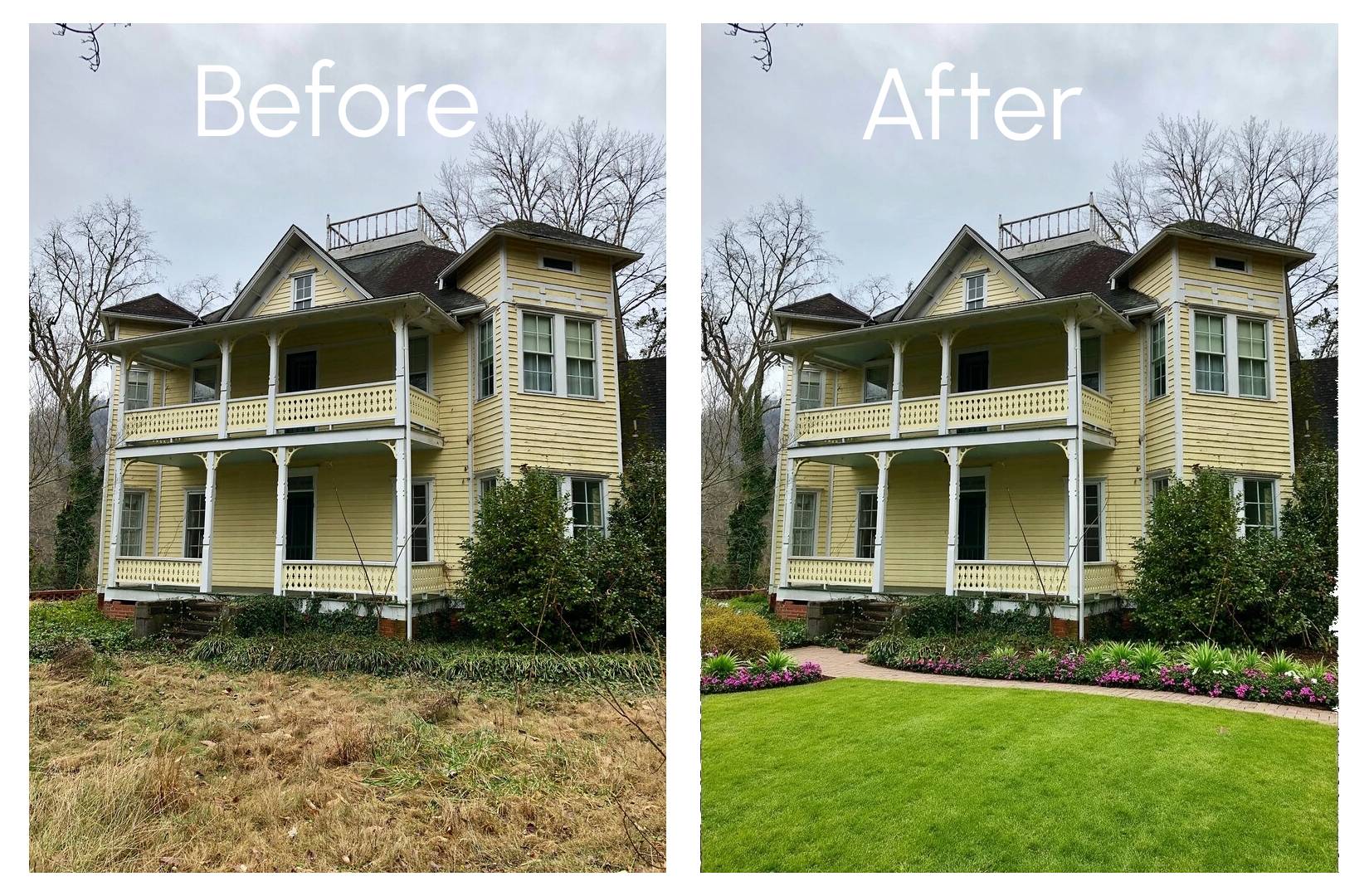
AI-generated image
How it works
Start with the yard
A photo from your phone, or just the address — we pull up the street view and you aim it at the house yourself.
Say what it needs
Pick a look, tell us what to keep, and we write the planting plan from species that suit that zone and light. Skip anything you would rather not answer.
Show it to somebody
The picture comes back planted with exactly those species. Change it in words, place plants by hand, or send it on as a PDF proposal.
A real yard. Drag to see the change.
The photo went in as it was. Everything on the right was drawn from a plant list checked against that yard's zone.
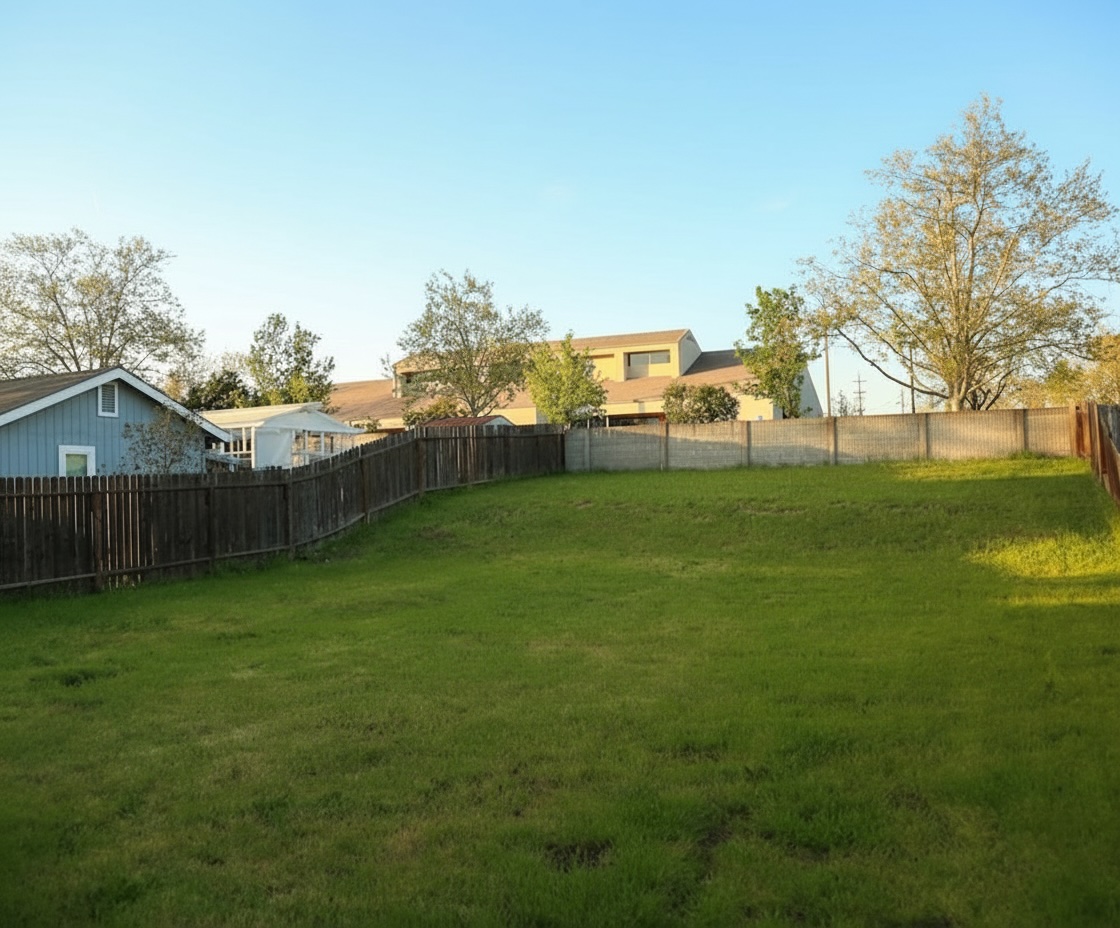
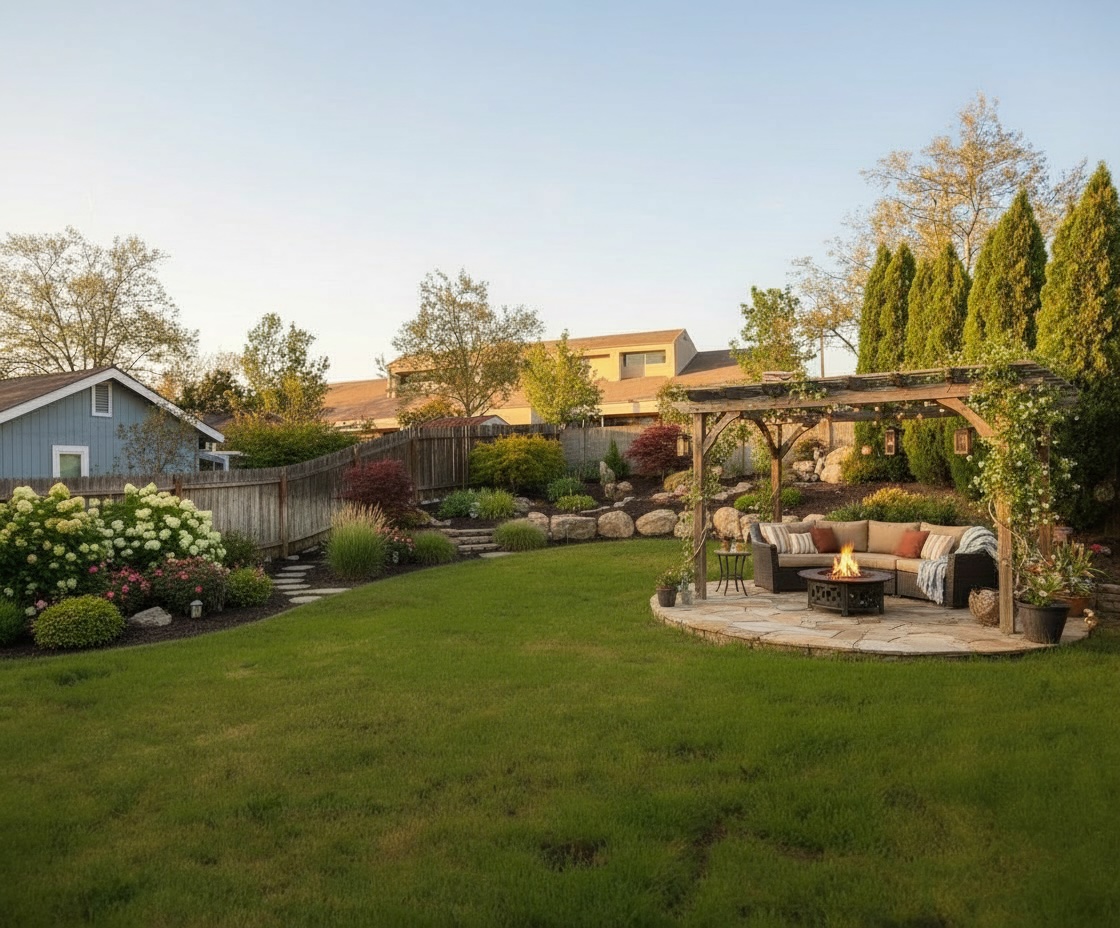
AI-generated image
I wanted to spruce up my garden but didn't want to lay down the groundwork before visualizing my ideas. Nothing out there was easy to use, yet precise enough, so I built my own tool.

Florin Birgu
Founder · Built by someone who actually does yard work
Simple, Transparent Pricing
Start free, upgrade when you're ready
- 30 credits per month
- High-resolution 2K designs
- Image editing tools
- Email support
- 70 credits per month
- High-resolution 2K designs
- Image editing tools
- Priority support
- 150 credits per month
- High-resolution 2K designs
- Image editing tools
- Priority support
- 450 credits per month
- High-resolution 2K designs
- Image editing tools
- Dedicated support
All plans include a 14-day free trial with 10 credits, rendered at standard resolution (1K) — every paid plan renders at 2K.
Paid plans renew every month at the price shown, until you cancel. Cancel any time on your account page; you keep the plan until the end of the month you have paid for. Terms
What Our Customers Say
About 1,250 people have tried ProScape AI. Here's what three of them said.
Not ready to sign up? Two free tools, no account: an estimate template and a mulch pricing calculator.
Questions people ask
See it on your own yard
Upload a photo and get a design in a couple of minutes.